
Starter templates
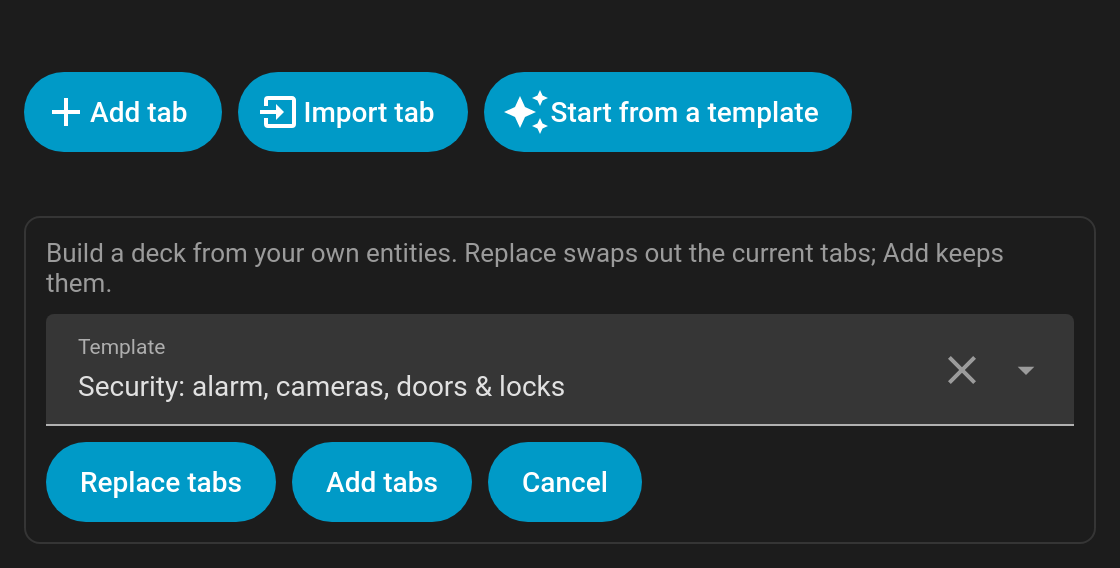
New to Tabdeck? The editor can build a complete, working deck from your own entities in one click. Open the card editor, click Start from a template, pick one and choose:
- Replace tabs: swap out the current tabs for the template.
- Add tabs: keep your tabs and append the template's.
| Template | What it builds |
|---|---|
| Rooms | A tab per area, listing that area's entities (auto_tabs: { source: areas }, so new areas appear automatically). Turns on scrollable and the overflow_menu. |
| Lights | A tab per area that has lights (auto_tabs: { source: areas, domains: [light] }). |
| Security | Alarm (alarm panels; the tab pulses while triggered), Cameras (picture-entity cards in a 2-column grid), Doors & windows (door/window/garage/opening sensors, with a live count of open ones as the badge) and Locks (tiles). Tabs with nothing to show are skipped. |
| Media | A tab per media player (media-control card); the subtitle shows its state and TVs get a TV icon. Uses tab_display: active. |
| Climate | A tab per thermostat, with the current temperature as the badge (badge_format: { precision: 1, unit: "°" }). |
| Energy | The energy dashboard cards: distribution, usage graph, sources table and devices graph (requires the Energy dashboard to be set up). |
| Family | A tab per person, with their state as the subtitle and a tile plus a 12-hour map. |
If nothing matches (for example, Media with no media players), the editor says so and leaves your deck unchanged. Each deck is capped at 12 generated tabs.
Everything a template writes is ordinary Tabdeck config, so you can edit, reorder or delete the tabs afterwards. Tab names follow your Home Assistant language.