
Badge display mode
Show badges as their text value (the default) or as a small dot that only appears when the badge is "active". The dot is perfect for "has activity" indicators where the exact number doesn't matter.
Config key: badge_display (top-level) · Values: text (default) · dot
yaml
type: custom:tabdeck-card
badge_display: dot
tabs:
  - name: Inbox
    icon: mdi:email
    badge: sensor.unread_count   # dot shows when > 0
    card: { ... }
  - name: Alarm
    icon: mdi:shield
    badge: binary_sensor.alarm   # dot shows when "on"
    card: { ... }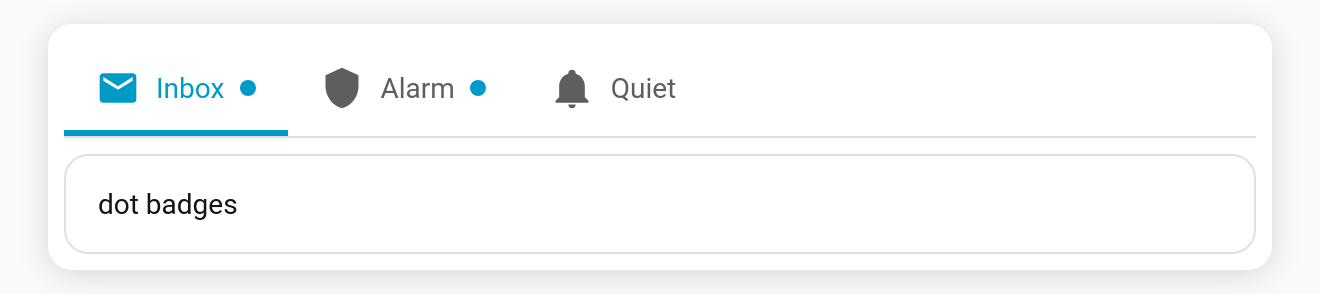
When is the dot shown?
In dot mode the dot appears when the resolved badge value is active — i.e. anything except these (case-insensitive):
"", 0, off, false, no, none, unavailable, unknown, closed
So binary_sensor on/off, counts like 3/0, and door open/closed all behave sensibly. In text mode the badge always shows its literal value (current behaviour).
The dot uses the tab's accent colour. Pick the mode from the Badge display dropdown in the visual editor.