
Multiple cards per tab
A tab normally wraps a single card. Use cards: (a list) instead and Tabdeck stacks them vertically for you — no need to hand-write a vertical-stack.
Per-tab key: cards (list of card configs)
yaml
type: custom:tabdeck-card
tabs:
  - name: Overview
    icon: mdi:view-dashboard
    cards:
      - type: markdown
        content: "## Card one"
      - type: entities
        entities: [light.kitchen, light.hall]
      - type: gauge
        entity: sensor.power
  - name: Other
    icon: mdi:cog
    card:               # a single card still works
      type: markdown
      content: single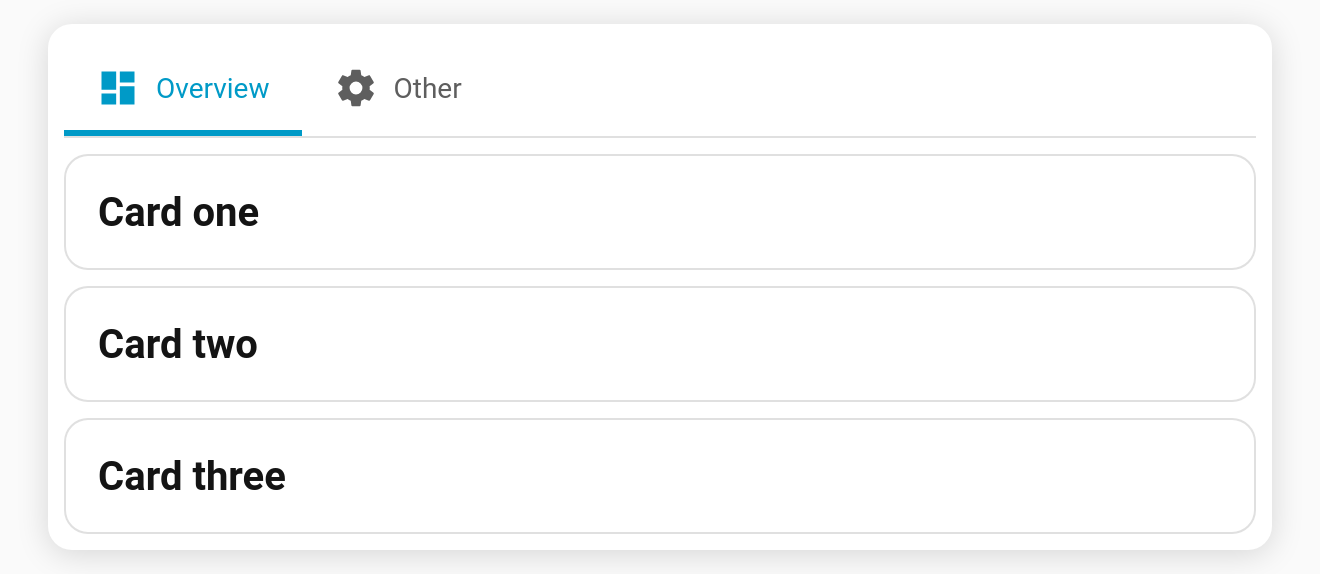
Grid layout with columns
Add columns: N (N > 1) alongside cards to lay them out in a grid instead of a vertical stack:
yaml
tabs:
  - name: Grid
    icon: mdi:view-grid
    columns: 2
    cards:
      - { type: markdown, content: A }
      - { type: markdown, content: B }
      - { type: markdown, content: C }
      - { type: markdown, content: D }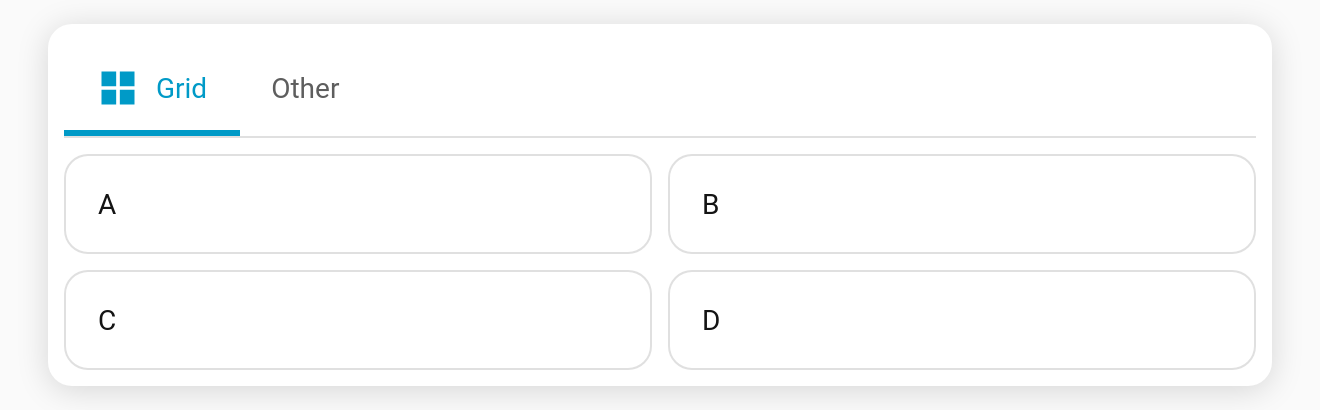
Notes
cards:is collapsed into avertical-stackcard internally (or agridcard whencolumns > 1), so it inherits everything (lazy-mount, keep-alive, etc.).- If both
cardandcardsare given,cardswins. - In the visual editor, a tab built this way shows the native vertical-stack card editor, where you can add/remove/re-order the sub-cards.
- Want columns instead of a stack? Use a single
card:oftype: gridorhorizontal-stack.