Backup and Restore
TaskMate can export your entire setup to a single file and restore it later. Use it to keep a safety copy before big changes, to move TaskMate to another Home Assistant instance, or to recover after a mistake.
Added in v4.0.0.
Where to Find It
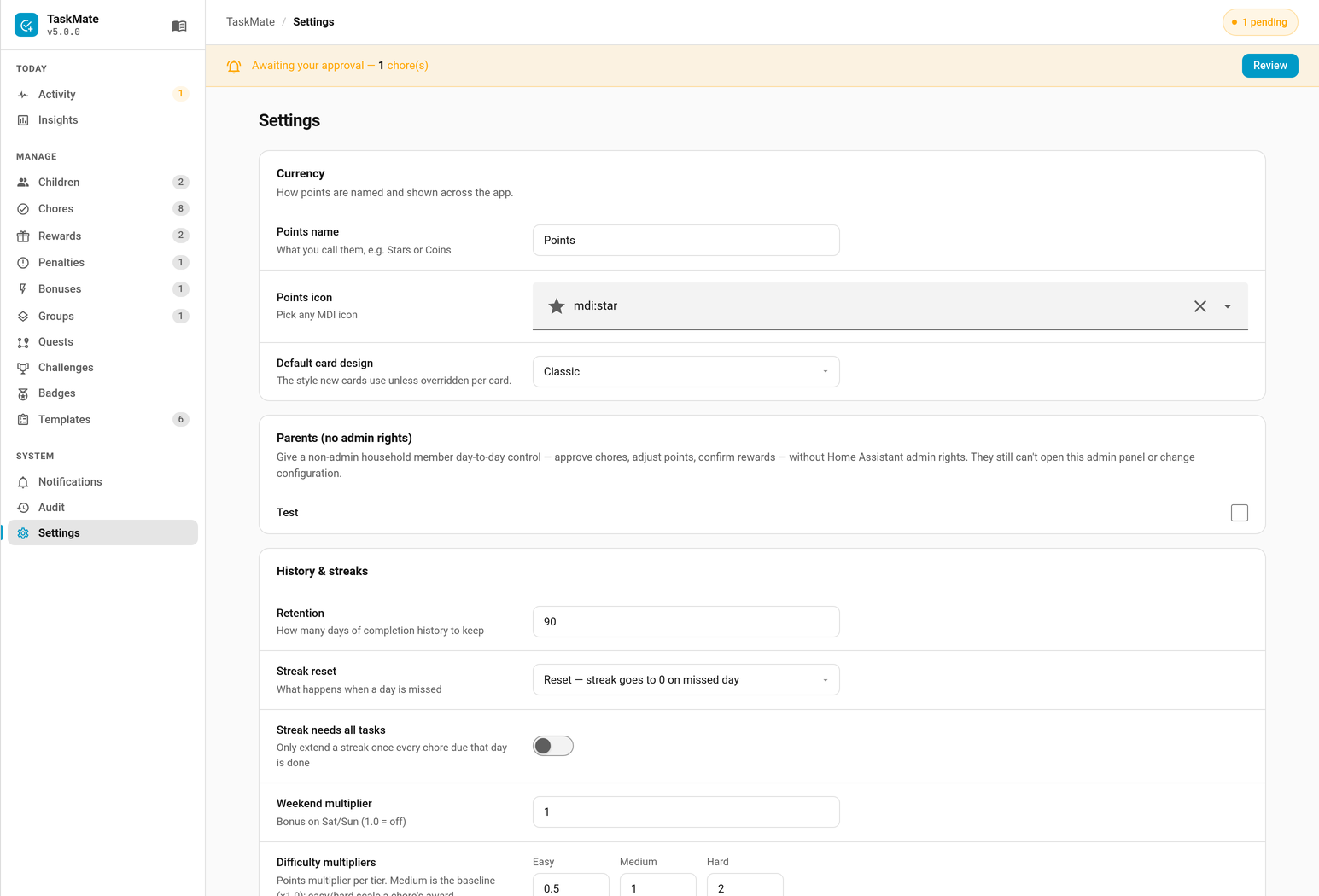
Open the Admin Panel → Settings tab and scroll to the Backup & restore section. It has two buttons:
- Export backup — download a backup file.
- Restore backup — upload a backup file and restore it.
See Admin Panel for how to open the panel.
Exporting a Backup
Click Export backup. TaskMate downloads a JSON file named taskmate-backup.json containing a full snapshot of your setup.
What's included
The export is a complete copy of TaskMate's stored data, including:
- Children
- Chores
- Rewards
- Penalties and bonuses
- Task groups
- Completions and reward claims
- Points transactions and pool allocations
- Badges and awarded badges
- Parent notification recipients and notification config
- Timed sessions
- The admin audit log
- All settings
The file is wrapped with an export version marker (taskmate_export_version) and a data object. Treat it as private — it contains your family's full TaskMate history.
Restoring a Backup
- Click Restore backup.
- Choose a previously exported
taskmate-backup.jsonfile. - Confirm the prompt.
- Reload the integration afterwards so per-child entities refresh.
Important cautions
Restore replaces everything. A restore is a full replace, not a merge. All current TaskMate data is overwritten with the contents of the backup. This cannot be undone — export a fresh backup of your current setup first if you might want it back.
- Only valid TaskMate backup files are accepted; an unrecognised file is rejected with an error and nothing changes.
- After a restore, per-child entities (sensors, buttons) only refresh fully once the integration is reloaded (Settings → Devices & Services → TaskMate → Reload, or restart Home Assistant).
- Restoring a backup taken on a different Home Assistant instance brings that instance's data wholesale; notify-service names referenced by recipients may need updating to match the new host.
- Who may do what stays with your instance, not the file. A restore keeps your current parent list, each child's linked Home Assistant account, the "Require a linked account per child" setting, the unlock allowlist, kiosk PINs and the audit log. A child who isn't already on your instance comes back with no linked account; link them again in Children. This means a backup somebody else prepared can't make their account a parent or hand them a device.
- A backup file carries no secrets. Kiosk PIN hashes, the calendar feed link's token and any unlock still running are left out. After a restore, set any PINs again and, if you use the calendar feed, click Regenerate link and re-subscribe.
- A record the file holds that TaskMate can't load (say, a word where a number belongs) is skipped and noted in the log; everything else is restored.
Tips
- Export a backup before bulk edits, before upgrading across a major version, or before experimenting with new features.
- Backups are plain JSON — keep them somewhere safe and versioned (the filename is always
taskmate-backup.json, so rename copies you want to keep).
Related
- Admin Panel — where Backup & restore lives
- Admin Audit Log — included in the export
- Troubleshooting — if entities don't refresh after a restore